 FrameDump
Guide
How to make aesthetic Instagram stories
An aesthetic story isn't about fancy editing. It's a few small choices made the same way every time: calm colours, one or two fonts, some empty space and photos that belong together. Here's how to get that look on your phone, without a design app you need to learn.
What makes a story look aesthetic
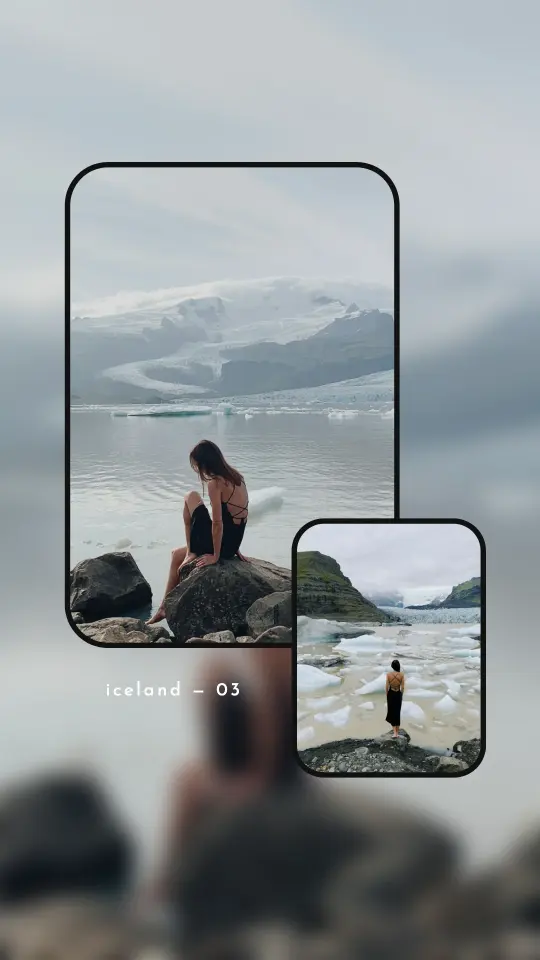
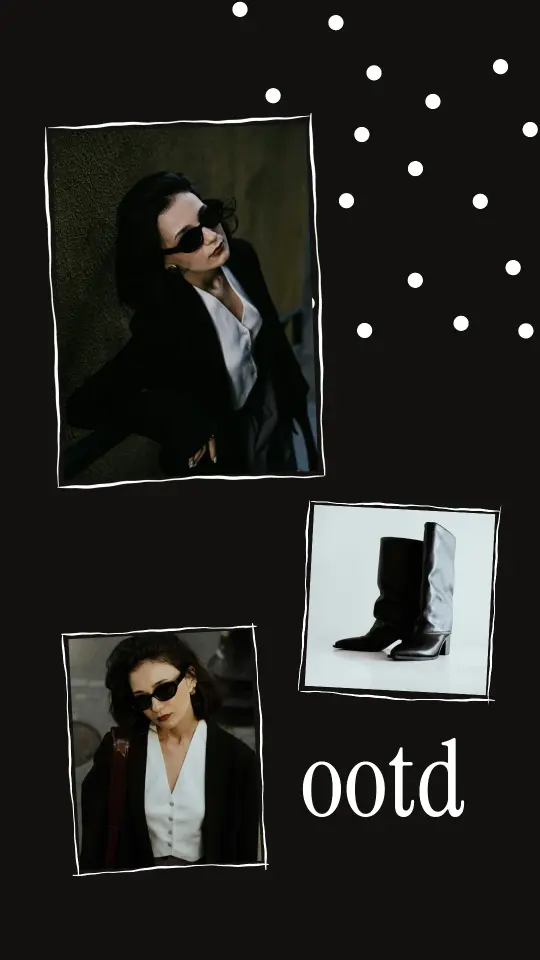
- A small colour palette. Two or three colours that repeat: in the photos, the background and the text.
- One or two fonts. A clean font for words, maybe a handwritten or serif one for a title.
- Space to breathe. Not every corner needs something in it.
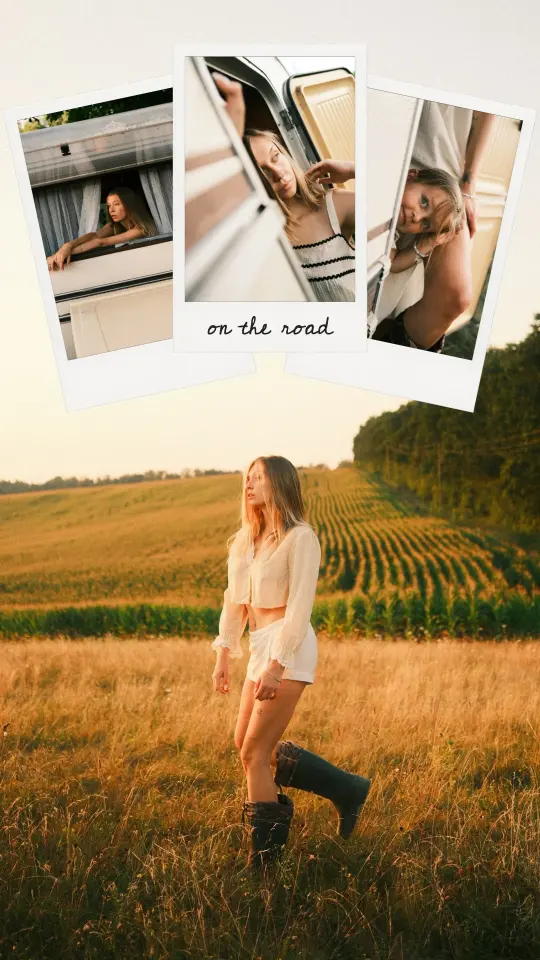
- A frame or a texture. Polaroids, film strips, torn paper or a soft background make photos feel like a scrapbook.
- Photos that match. The same light, the same edit, the same mood.
The quick way: start from a ready-made design
Templates do the design part for you. The layout, fonts and colours are already chosen; you add your own photos.
- Open FrameDump and tap Templates. Tap the heart on the ones you like to find them again later.
- Tap a design and fill the empty spaces with photos or videos from your camera roll. The design stays; only the photos change.
- Change the words, swap a sticker or move things around if you like.
- Tap the pink save button in the top corner to save the story to your camera roll.
Then open Instagram, start a new story and pick the image or video you saved. It's already 9:16, so it fills the whole screen.
Make it feel like yours
- Save your favourites. Save a design to My Templates and reuse it with new photos, so all your stories share the same look.
- Add a cutout. Remove the background from a photo of yourself and let it step out of a frame. See how to make a cutout sticker of yourself.
- Write along a curve. Curved Text lets a line of words follow a path you draw, around a photo or a person. See how to write curved text on a photo.
- Use a short video. A few seconds of movement makes people stop on your story.
Tips
- Keep the top and bottom clear. Instagram puts your name at the top and the reply bar at the bottom, so keep important text away from the edges.
- Repeat your look. Using the same few designs every week gives your stories a style people recognise.
- Less text. A date, a place or three words is often enough.
More story ideas
Get started
Download FrameDump free on the App Store or Google Play. More guides: how to make an Instagram photo dump and how to make a seamless Instagram carousel.