 FrameDump
Guide
How to make an Instagram photo dump
A photo dump is a relaxed post full of the photos you didn't post one by one: the coffee, the view, the blurry laugh, the outfit. It feels casual, but the good ones are chosen with care. Here's how to pick the photos and put them together so the dump looks effortless, not messy.
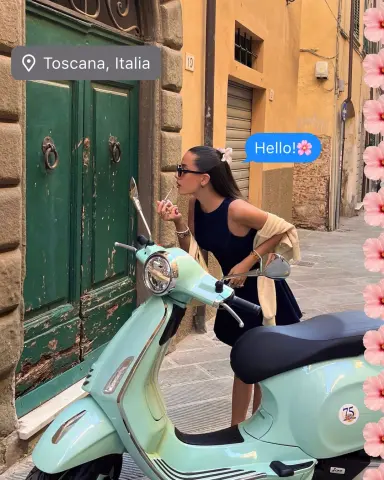
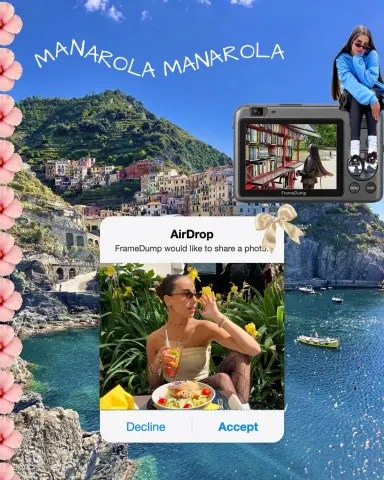
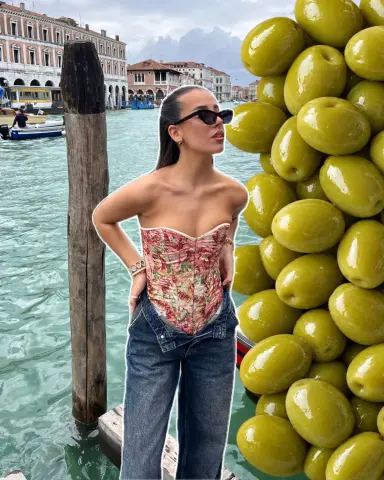
What makes a good photo dump
- A thread. A weekend, a trip, a month, a mood. One idea holds the photos together.
- A mix. Wide shots and close-ups, people and details, photos and a short video.
- Similar colours. Photos with the same light or the same edit look like they belong together.
Pick the photos
- Go through your camera roll and favourite everything from the moment you want to share.
- Choose one strong photo for the start. It's the one people see in the feed.
- Add the details: food, hands, textures, signs, a funny moment.
- Leave out near-duplicates. If two photos say the same thing, keep the better one.
Two ways to post it
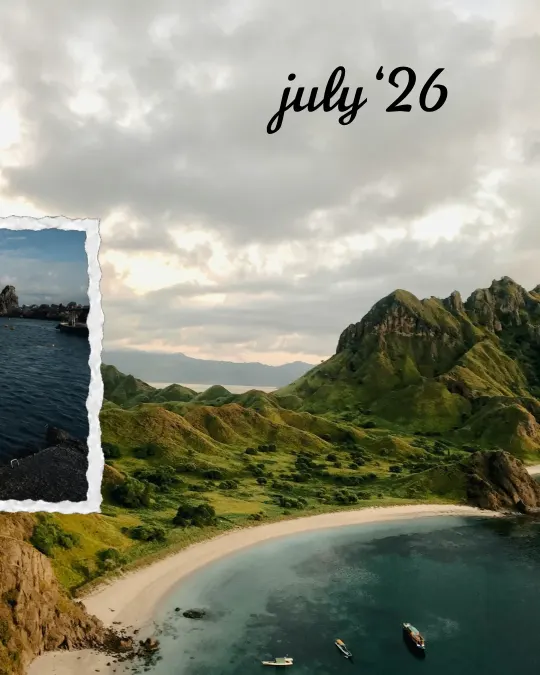
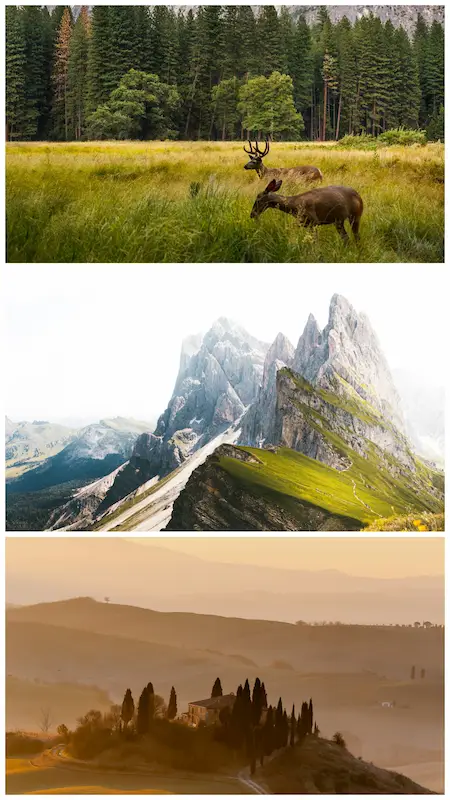
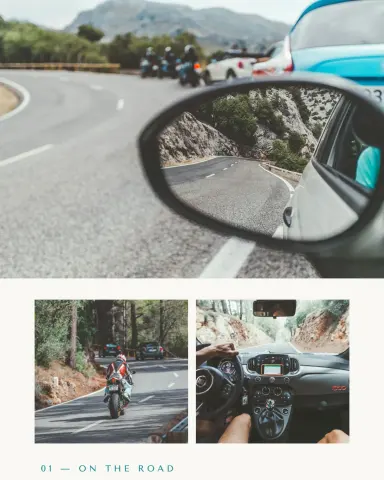
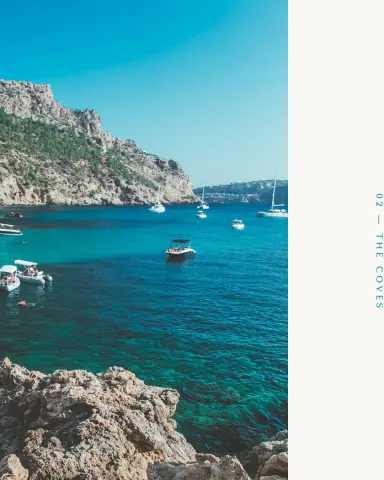
As a carousel. Each page is part of one design, so the photos flow from one page to the next as people swipe. This is the best way to share a lot of photos without the post feeling crowded.
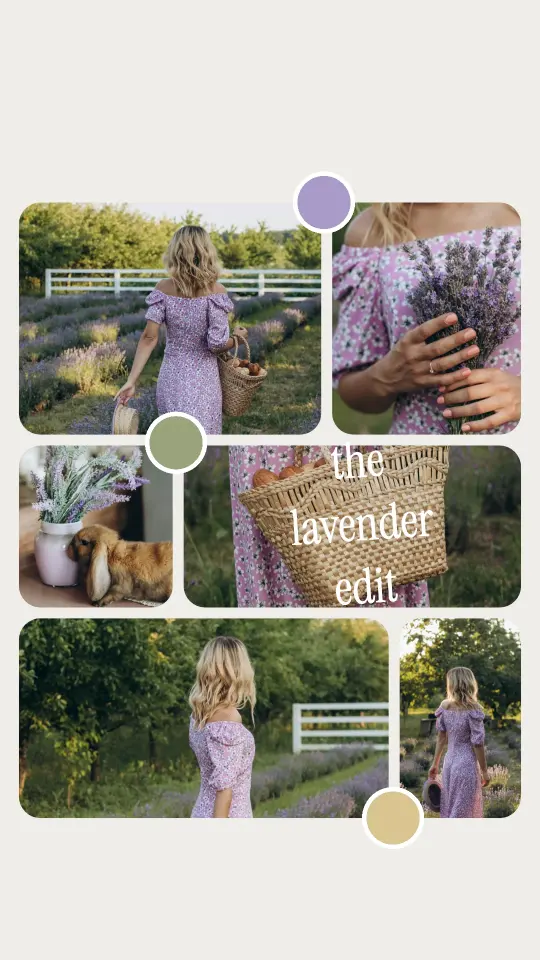
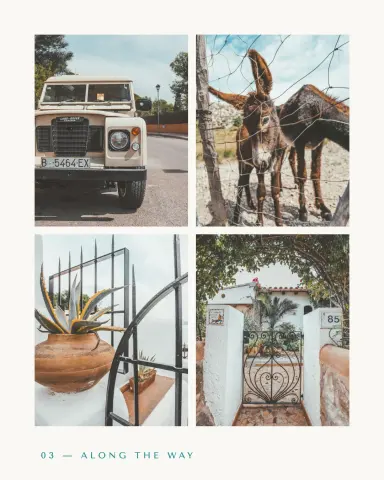
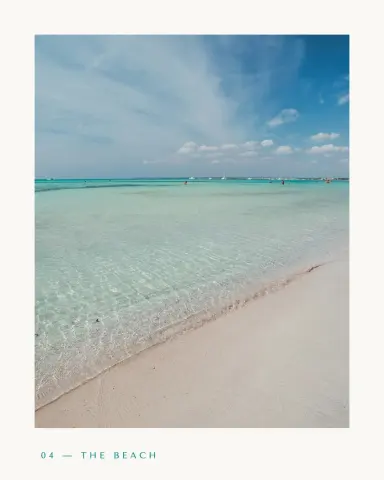
As a single page. Put all the photos together on one page. Choose a grid if you want every photo in its own clean box, or a story template if you want a designed page with frames, stickers and text. Both work as a post or a story.
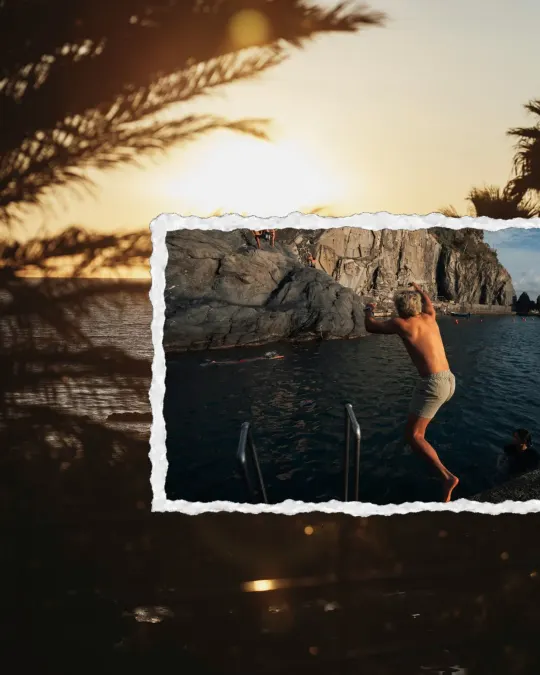
Make it in FrameDump
For a carousel: tap Carousels, choose a design and tap Use this carousel. Add your photos and videos, then tap the pink save button in the top corner to save every page in order.
For a grid: tap Grids and pick a grid with as many photos as you have. Add your photos, drag the edge of any photo to make it bigger or smaller, and change the spacing and background until it feels right.
For a story template: tap Templates, pick a design and add your photos and videos. The design stays; only the photos change.
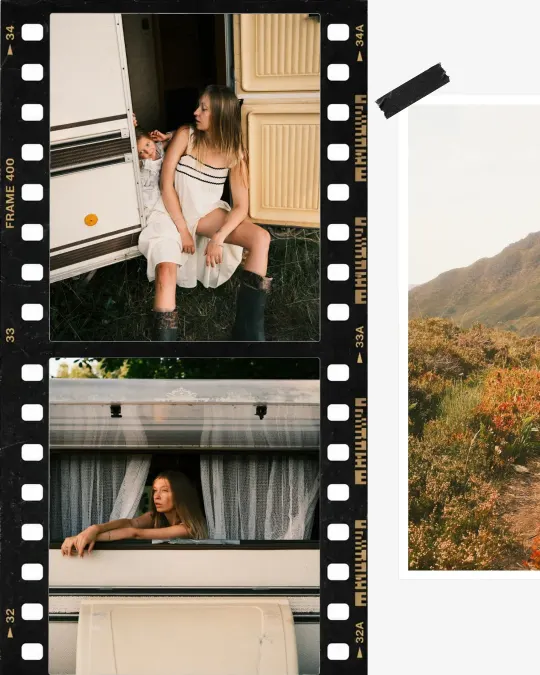
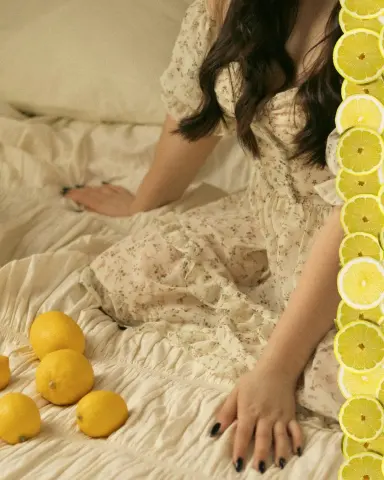
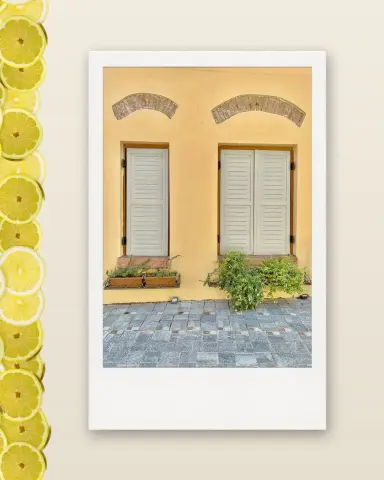
Want it to feel more personal? Add a date, a short caption or a sticker or two. Frames like polaroids and film strips make a dump feel like a scrapbook.
Tips
- Start strong. The first photo decides whether people stop scrolling.
- End with a surprise. A funny or unexpected last page makes people swipe back to the start.
- Keep the edit the same. Use the same filter on every photo, or none at all.
- Don't explain everything. A short caption is enough; let the photos tell it.
More photo dump ideas



Get started
Download FrameDump free on the App Store or Google Play. More guides: how to make a seamless Instagram carousel and the Instagram carousel size guide.