 FrameDump
Guide
How to make a seamless Instagram carousel
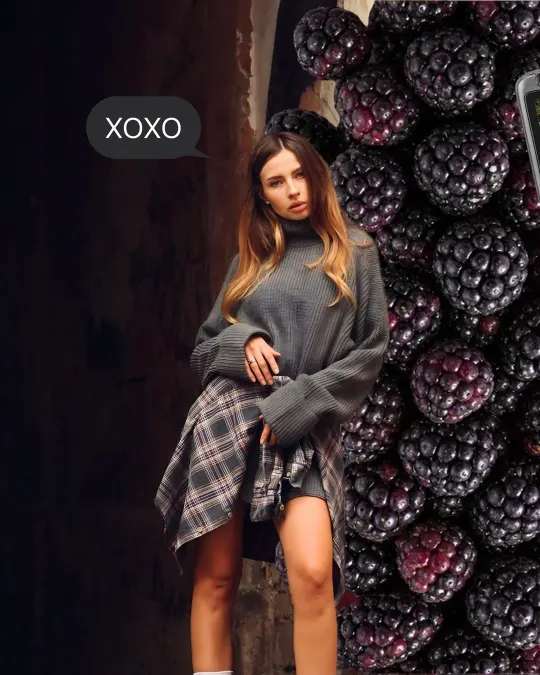
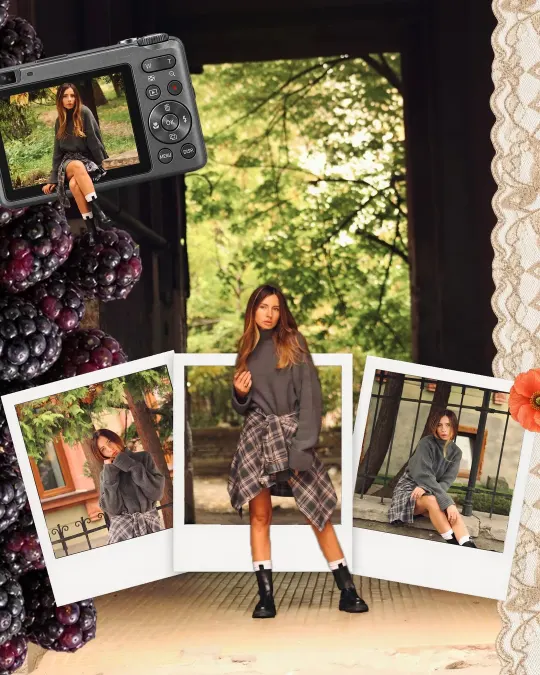
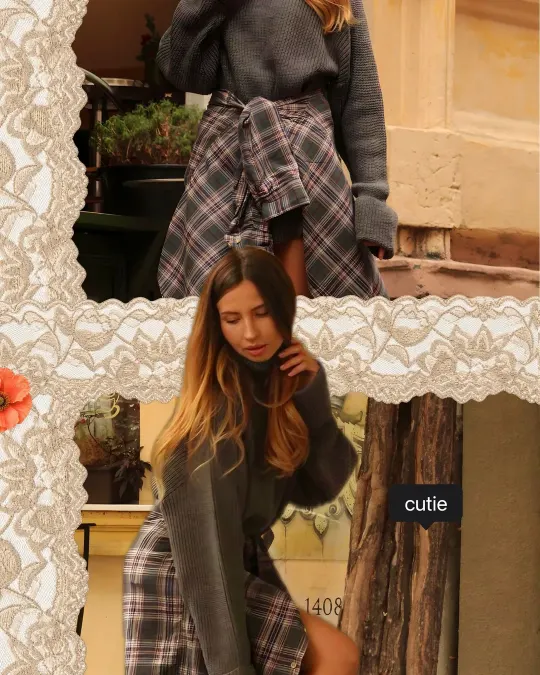
A seamless carousel is one long design cut into pages. When someone swipes, a photo, a sticker or a line of text continues from one page onto the next, so the whole post feels like a single story instead of separate pictures. It's one of the easiest ways to make people swipe to the end.
What makes it “seamless”
On a normal carousel every page stands alone. On a seamless one, some things sit right on the seam between two pages: half of a photo on page one, the other half on page two. When the pages are posted in the right order and at the right size, Instagram lines them up again and the design looks unbroken.
Two things matter: every page has to be exactly the same size, and they have to be posted in order.
Make one in FrameDump
- Pick a carousel. Open FrameDump and tap Carousels. Swipe through the ready-made designs and tap one you like, then tap Use this carousel.
- Add your photos and videos. Tap the empty slots to fill them from your camera roll. Photos that cross a seam stay lined up on both pages.
- Make it yours. Change the text, font and colour, add stickers and frames, or change the background. Tap Pages to add, delete or reorder pages.
- Check the post. Tap the preview button at the top to swipe through it the way it will look on Instagram.
- Save every page. Tap the pink save button in the top corner. FrameDump saves each page to your camera roll, one after another, in order.
Prefer to start from nothing? Tap Blank canvas, choose Carousel and build your own design page by page.
Post it on Instagram
- Tap + in Instagram and choose Post.
- Tap the multiple-select icon and pick your pages in order: page one first, then page two, and so on.
- Before you go on, make sure the photos are shown at their full size and not cropped to a square.
- Add your caption and share.
Tips for a carousel people swipe through
- Put something on the first seam. A photo or sticker that is cut off on page one is the best reason to swipe.
- Keep faces off the seams. Let backgrounds, objects and lines cross between pages, but keep faces fully on one page.
- Choose the size before you start. 4:5 fills the most screen in the feed; 3:4 matches how Instagram shows posts on your profile grid. All pages in one post use the same size. See the Instagram carousel size guide.
- Keep it short. Instagram allows up to 20 photos in a post, but 3 to 6 pages are usually easier to finish.
Get started
Download FrameDump free on the App Store or Google Play, or browse all carousels to find a design you like.
See all carousels